In Dynamics 365, you can add tracing to your code to assist with troubleshooting.
To do this, in your plugin, add the code:
ITracingService tracingService = (ITracingService)serviceProvider.GetService(typeof(ITracingService)); Then add a line to do the trace:
tracingService.Trace("This is a trace.");
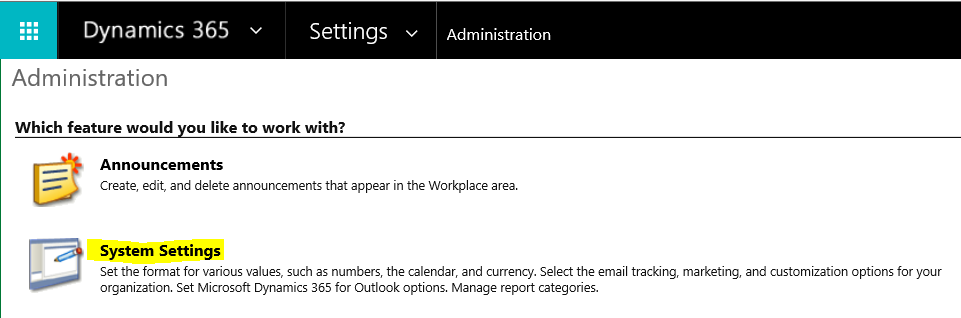
Next, go to System Settings to actually turn tracing on in the system:
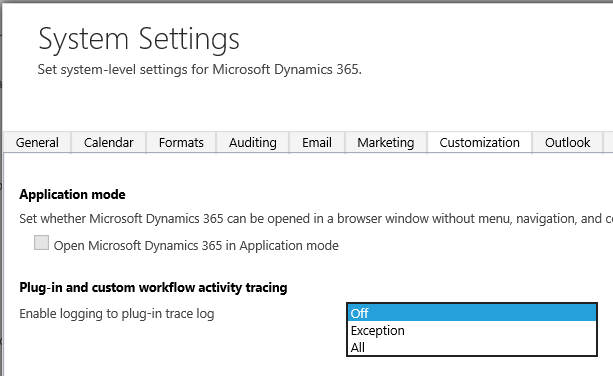
Under Customization, you can set the tracing level.
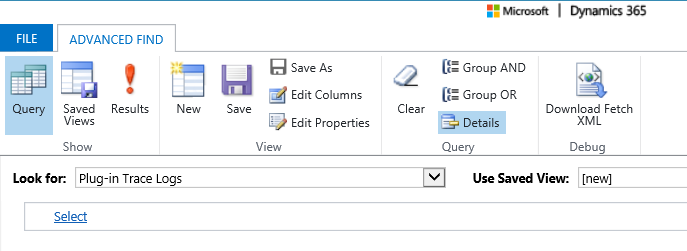
The trace writes to the Plugin Trace Log, which we can view under Advanced Find: