
Introduction
Power Apps canvas apps open the first time it prompts that which says that almost there pop-up contains the list of app connections used in the Power App canvas app. And ask the allow connection to open the application. even if users are not required to authorize API connections for the input app. The consent should bypass these first-party connectors that support single sign-on and custom connectors that don’t require authentication. This includes custom connectors with or without a gateway.
Prerequisite
Power Apps PowerShell Module installation in the System
Power Apps Module Installation
- Open the PowerShell in administrative mode.

2. Install the Power Apps module by running the below commands
Install-Module -Name Microsoft.PowerApps.Administration.PowerShell
Install-Module -Name Microsoft.PowerApps.PowerShell -AllowClobber
3. Type A to install the module.

4. The module requires sign-in before adding any power app commands.
5. Run the below commands to sign in to the Power Apps Module.
# This call opens prompt to collect credentials (Azure Active Directory account and password) used by the commands
Add-PowerAppsAccount
# Here is how you can pass in credentials (avoiding opening a prompt)
$pass = ConvertTo-SecureString "password" -AsPlainText -Force
Add-PowerAppsAccount -Username user@contoso.com -Password $passNOTE: The credentials are refreshed for up to ~8 hours before you’re required to sign in.
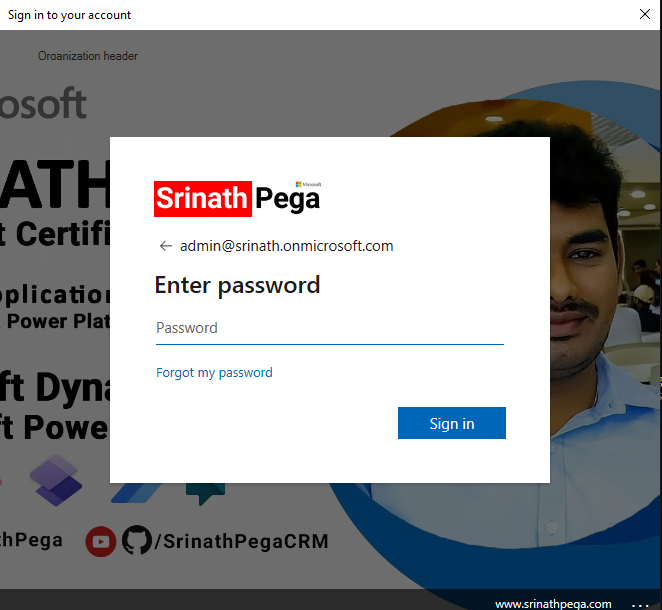
6. Sign in to the Module.
To bypass the power apps connection consent:
Run the below command to bypass the connection consent.
Set-AdminPowerAppApisToBypassConsent -EnvironmentName [Guid] -AppName [Guid]Parameters:
EnvironmentName : Name of the Environment where the Power App is present.
EnvironmentGUID: The GUID of the Environment.
AppName: Name of the Power Apps Conavas App.
AppGUID: GUID of the Canvas Application.
The Command in My Case:
Set-AdminPowerAppApisToBypassConsent -EnvironmentName 371841ed-a22f-4271-bc81-0e451c8ad56f -AppName 510384f2-67e9-4216-9baa-e61322060fceNOTE: Reflecting this change to the power app will take 2-3 hours.
Hope you learn something, Thanks for Reading 📖!
Happy Power365ing!

