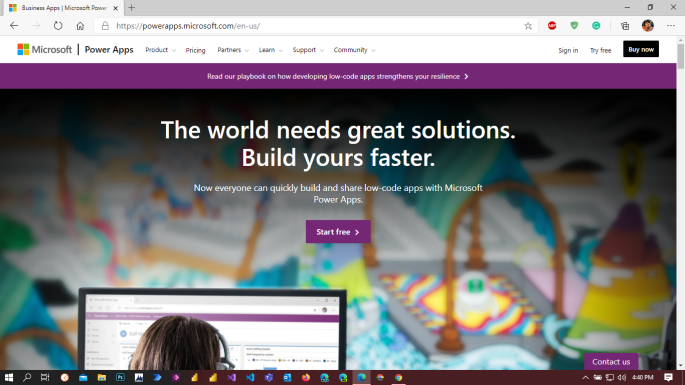
Creating Dynamics 365 trial https://trials.dynamics.com/ , Its asking business identity means need a business domain. Learn More on Domain : https://docs.microsoft.com/en-gb/microsoft-365/admin/get-help-with-domains/what-is-a-domain Creating Dynamics 365 Trail from Power Apps: Go to https://powerapps.microsoft.com/en-us/ 2. Click on pricing on navigation . It will open below screen. 3. Click on Try free. Opens the Power Apps Trial Instance creation … Continue reading Error Fix in Creating Dynamics 365 Trial
Tag: Power Platform
Monitor now supports model-driven Apps
“Why is my form performing so slowly?” “Where is this script error coming from?” “Why is my field control not showing up?” The Monitor tool (currently supported on canvas apps) provides a way to view a stream of events from a user’s session in order to diagnose an issue. It support the following events on … Continue reading Monitor now supports model-driven Apps
Add and Create Data to an Entity use dataflows in Power Apps
Data preparation available in Power Apps, you can create a collection of data called a dataflow, which you can then use to connect with business data from various sources, clean the data, transform it, and then load it to Common Data Service or your organization’s Azure Data Lake Gen2 storage account. A dataflow is a … Continue reading Add and Create Data to an Entity use dataflows in Power Apps
Visualize and interpret location data with the Interactive map component.
[This topic is pre-release and is subject to change.] Easily bring dynamic mapping capabilities into your canvas apps by viewing the physical position of entities from a data source, or by inputting new physical locations. Pan, tilt, zoom, and drag to center your map view. As you zoom out, the markers will optionally cluster to … Continue reading Visualize and interpret location data with the Interactive map component.
Add Geospatial components to your App (Preview)
[This topic is pre-release and is subject to change.] You can add a number of geospatial components to your canvas app to support scenarios that involve mapping locations and addresses. The following prebuilt components can be used for geospatial and mapping scenarios: Interactive mapAddress input Prerequisites An admin must enable the geospatial features in the Power … Continue reading Add Geospatial components to your App (Preview)